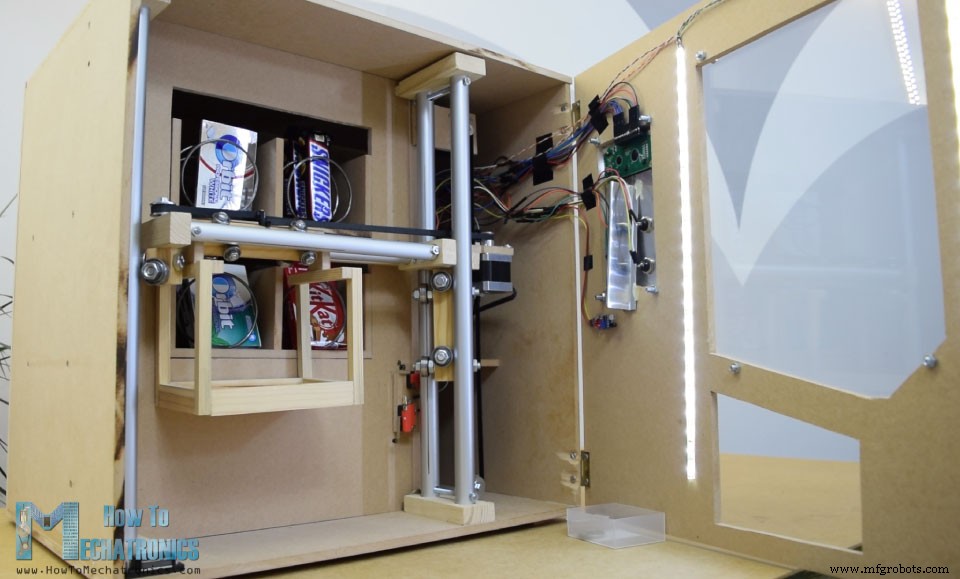
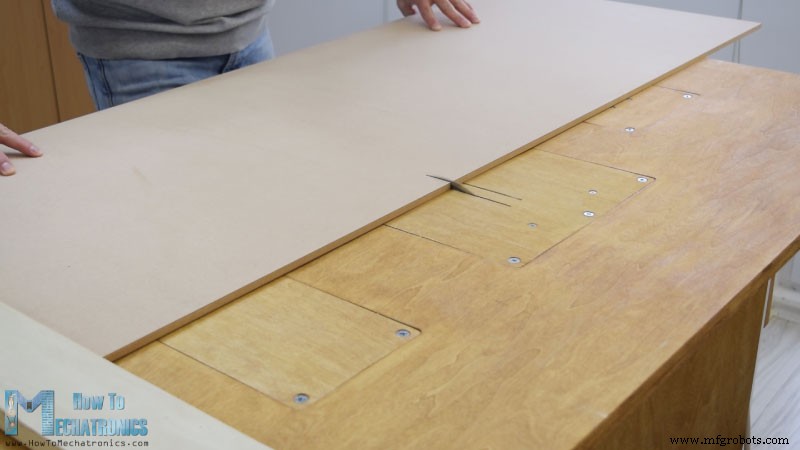
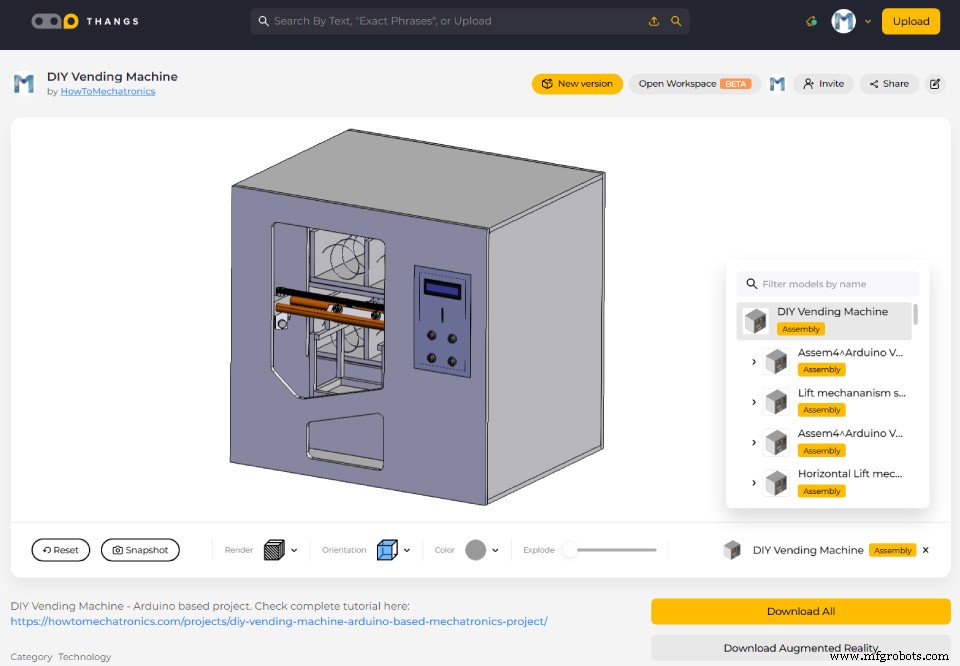
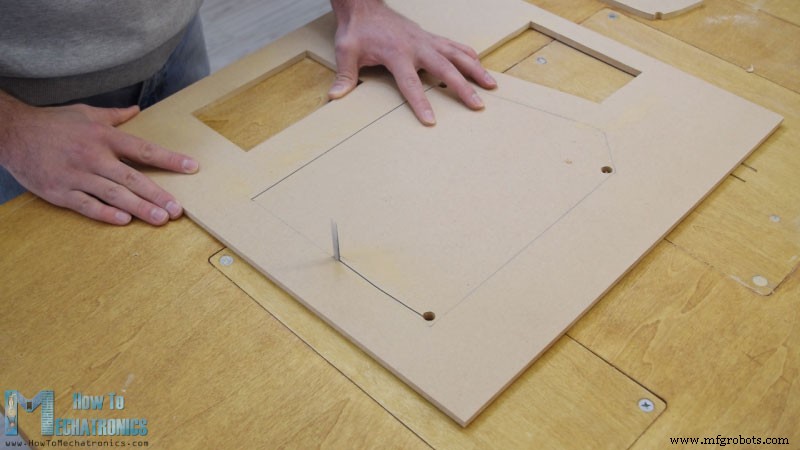
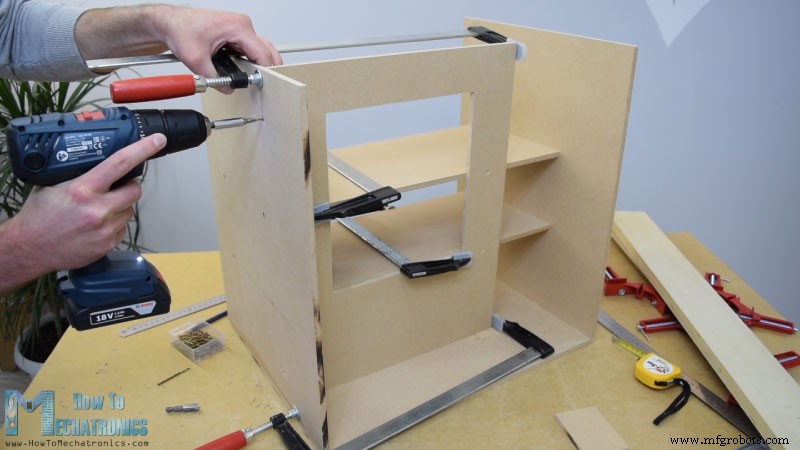
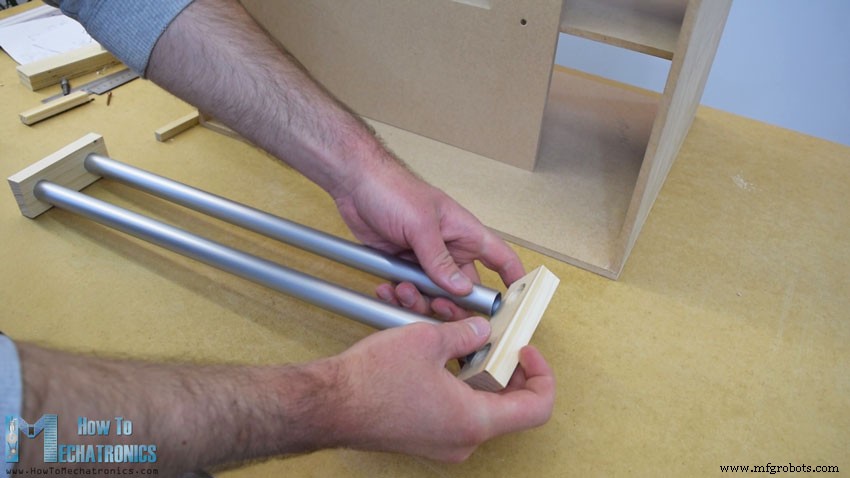
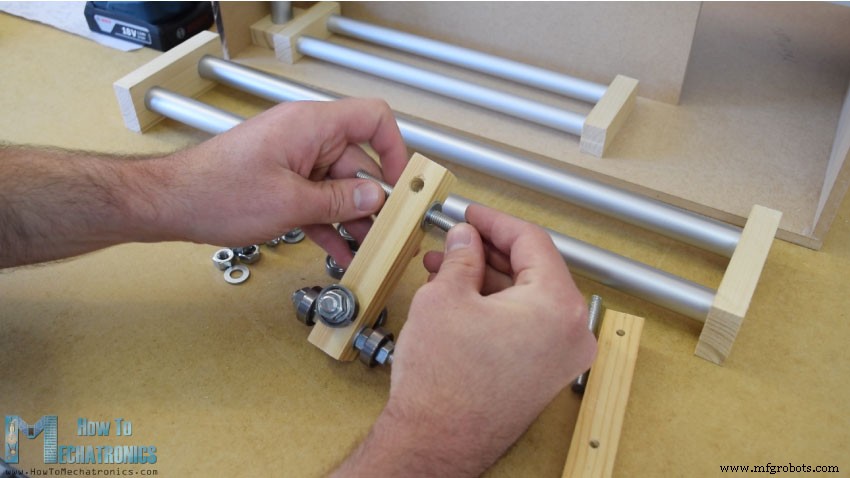
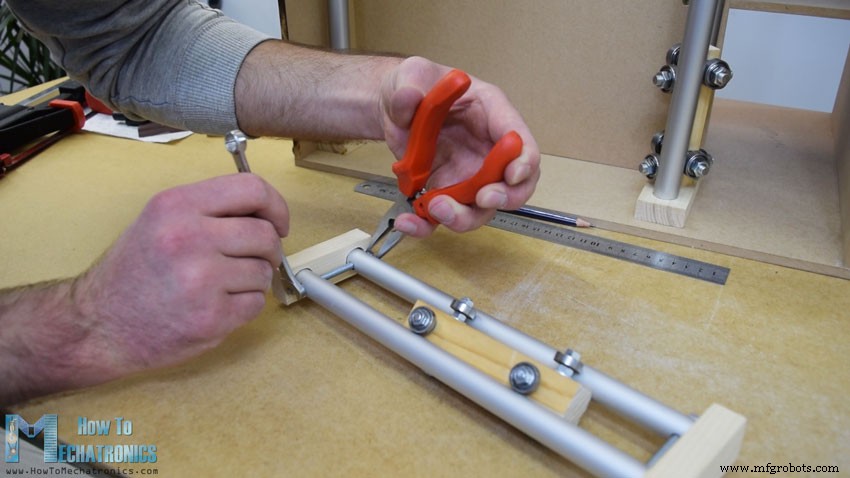
이 프로젝트에서는 아두이노 기반 DIY 자판기 만드는 법을 배웁니다. MDF 보드 재단/조립부터 모든 전자부품 연결, 아두이노 코드 작성까지 전 과정을 보여드립니다.
아래 비디오를 시청하거나 작성된 튜토리얼을 읽어보세요.
기능 개요
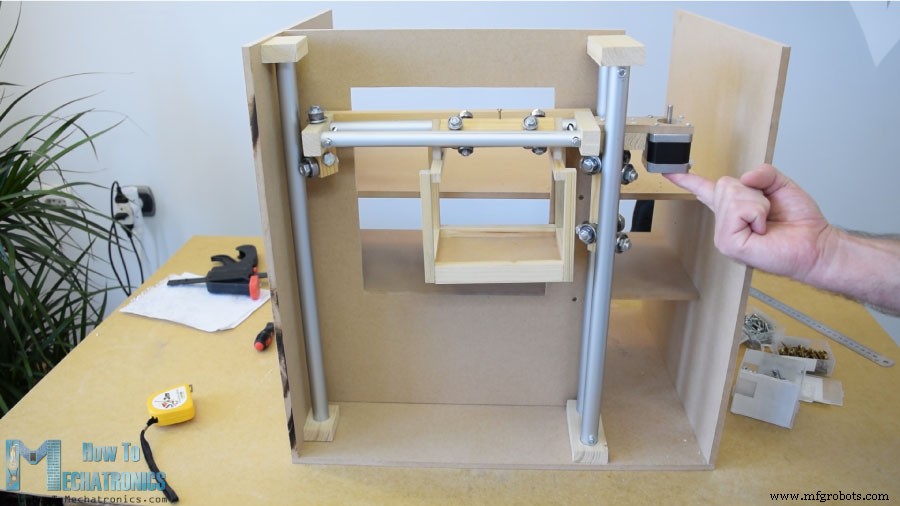
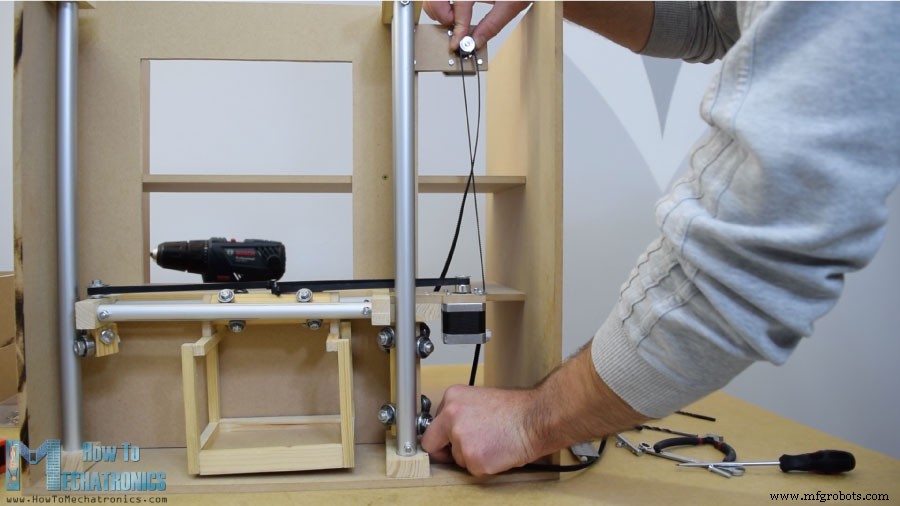
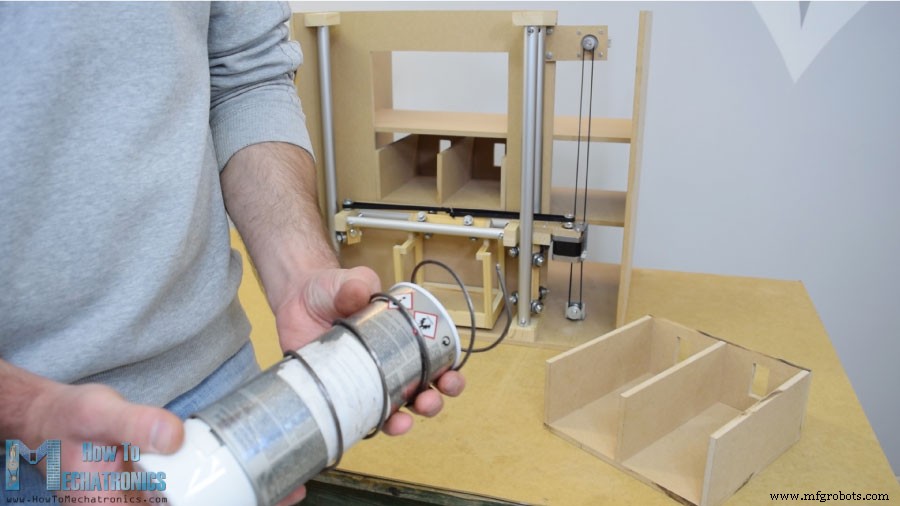
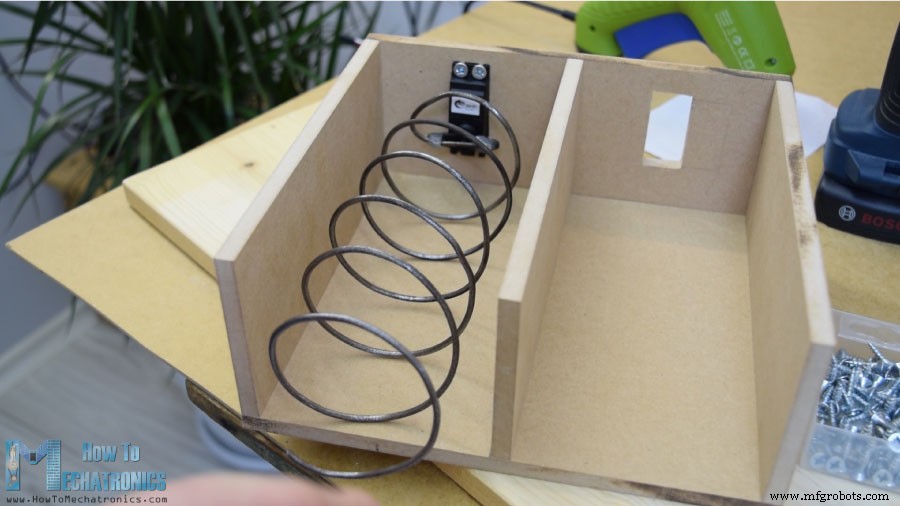
이 자판기는 4개의 연속 회전 서보 모터로 제어되는 4개 배출 유닛, 스테퍼 모터로 제어되는 아이템 캐리어 시스템, LCD, 품목 선택용 4개 버튼, 동전 감지기로 구성됩니다.
아이템 캐리어가 이 자판기에 그다지 유용하지 않아 보일 수 있습니다. 맞습니다. 하지만 제 아이디어는 이 프로젝트를 더 흥미롭고 복잡하게 만들어 더 많은 걸 배우게 하려는 것이었습니다. 이 프로젝트 아이디어는 졸업 작품으로 자판기 제작을 고려하는 전자/메카트로닉스 전공 학생이나 아두이노 애호가들에게 훌륭하다고 생각합니다.
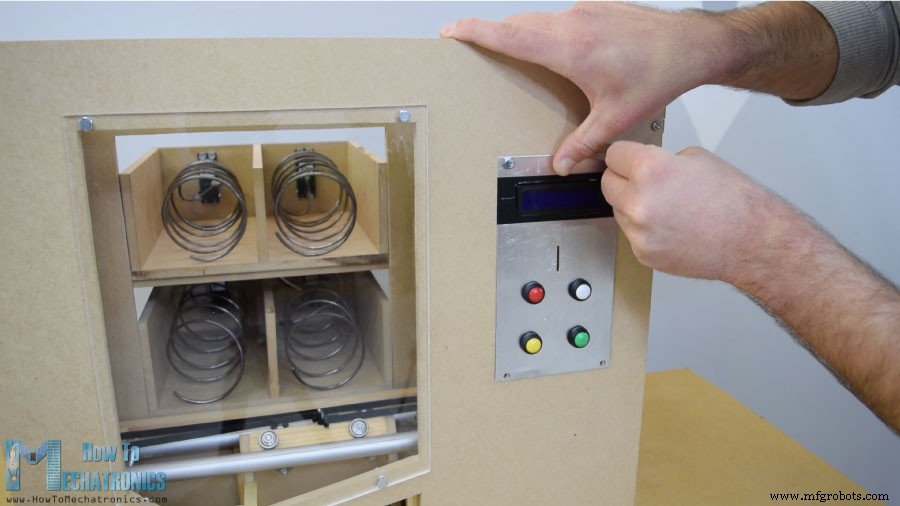
전면 도어 패널을 일반 경첩으로 자판기에 부착, 자석 도어 캐처로 잠금. 큰 전면 개구부는 5mm 아크릴로, 우측 작은 개구부는 얇은 알루미늄 판으로 커버. 알루미늄 판에 버튼 4개 구멍, 동전 투입구, LCD 개구부 가공(드릴과 톱 사용). 전자부품을 알루미늄 판에 부착 후 5mm 볼트로 전면 도어 패널에 고정.
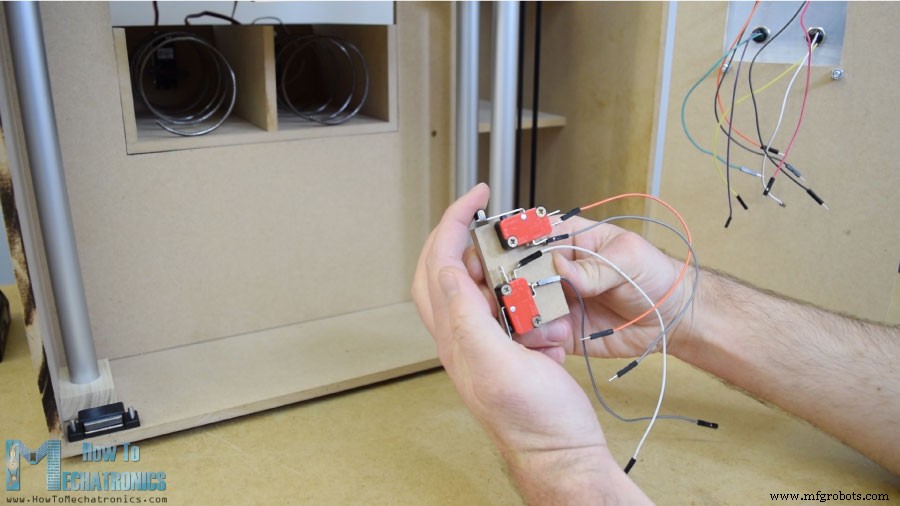
캐리어 시작 위치 설정용 마이크로 스위치 2개 설치. 동전 가이드를 접착해 동전이 기계 바닥으로 미끄러지게 유도. 동전 감지기는 간단한 적외선 근접 센서로, 동전이 지나가면 양성 피드백 제공.
회로도
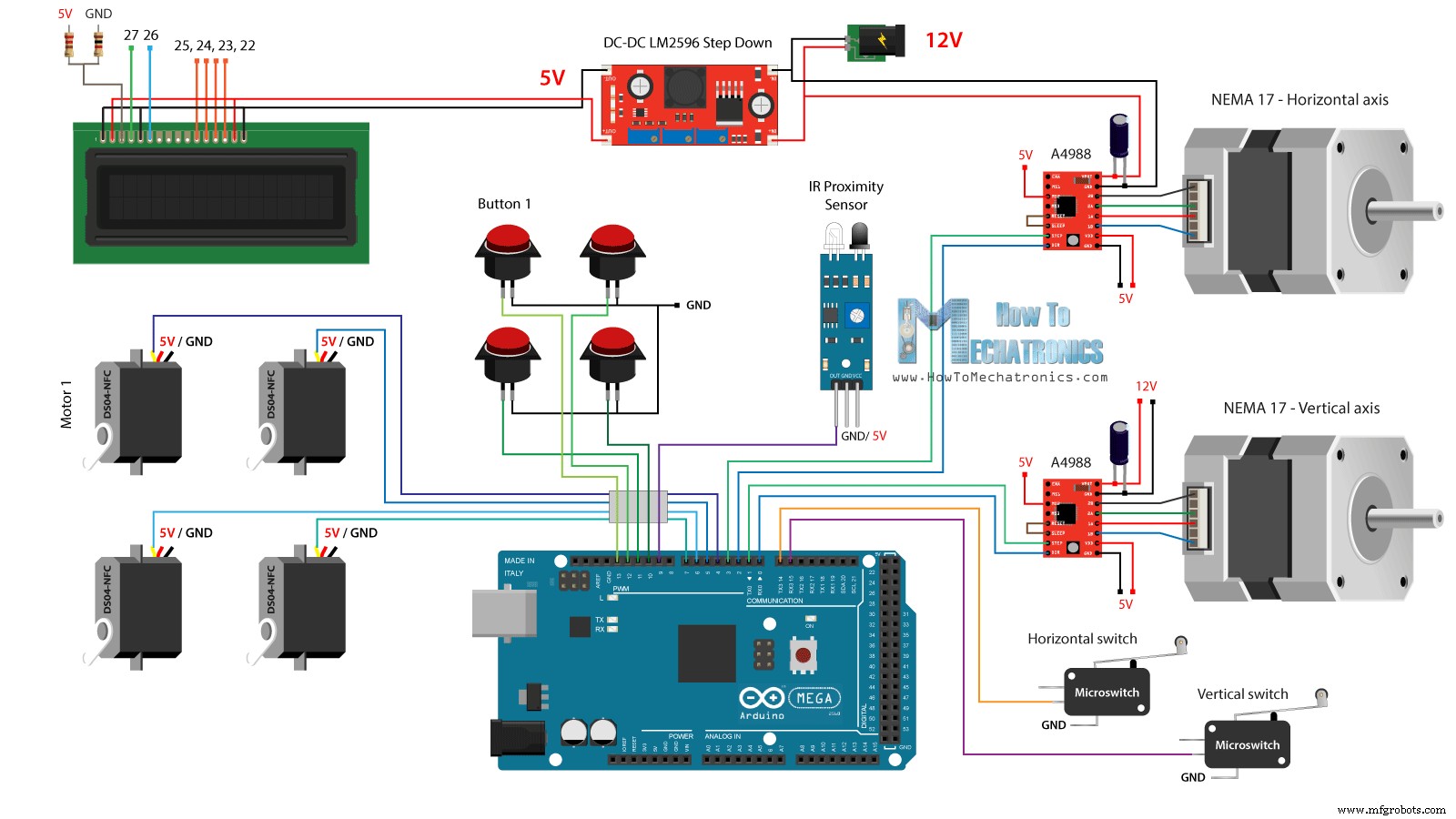
이제 재미있는 부분: 모든 전자부품을 아두이노 보드에 연결. 이 DIY 자판기 프로젝트 완전 회로도입니다.
최소 2A 정격 12V 파워 서플라이 필요. 12V는 두 스테퍼 모터와 나중에 전면 도어에 부착할 LED 스트립용. 그 외 모든 부품은 5V 필요하므로 벅 컨버터로 12V를 5V로 강압. DS04-NFC 연속 회전 서보 모터는 5V 전원, 아두이노 PWM 신호로 제어. 스테퍼 모터는 A4988 드라이버로 제어. 4개 버튼과 2개 마이크로 스위치는 그라운드와 아두이노 디지털 핀 연결, 아두이노 내부 풀업 저항으로 눌림 감지.
필요한 부품
DC-DC LM2596 벅 컨버터
16x2 LCD
360도 연속 회전 서보 모터
스테퍼 모터 NEMA 17
A4988 스테퍼 모터 드라이버
IR 근접 센서
버튼
마이크로 리미트 스위치
아두이노 보드
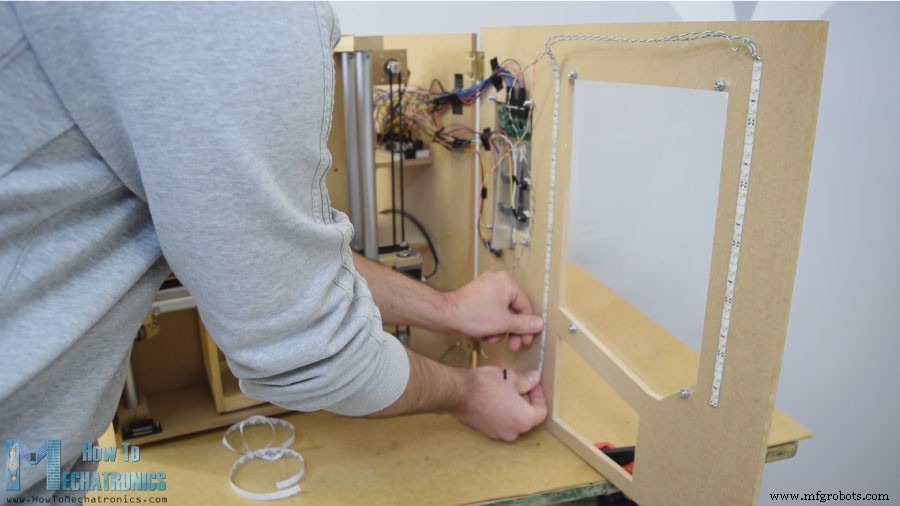
점퍼 와이어로 전자부품 연결. 와이어가 많아 좀 지저분하지만 모두 정상 작동. 마지막에 전면 도어 패널에 LED 라이트 스트립 2개 부착해 자판기 내부를 밝힙니다.
아두이노 코드
이제 아두이노 프로그래밍. 이 프로젝트용 코드입니다. 아래에 코드 설명.
/* DIY Vending Machine - Arduino based Mechatronics Project
   by Dejan Nedelkovski, www.HowToMechatronics.com */
#include <LiquidCrystal.h>
#include <Servo.h>

LiquidCrystal lcd(27, 26, 25, 24, 23, 22); // (rs, enable, d4, d5, d6, d7)
Servo servo1, servo2, servo3, servo4; // DS04-NFC 모터

// 스테퍼 모터 핀
#define dirPinVertical 0
#define stepPinVertical 1
#define dirPinHorizontal 2
#define stepPinHorizontal 3
#define coinDetector 9
#define button1 13
#define button2 12
#define button3 11
#define button4 10
#define microSwitchV 15
#define microSwitchH 14

int buttonPressed;

void setup() {
  lcd.begin(16, 2);
  servo1.attach(4); servo2.attach(5); servo3.attach(6); servo4.attach(7);
  pinMode(dirPinVertical, OUTPUT);
  pinMode(stepPinVertical, OUTPUT);
  pinMode(dirPinHorizontal, OUTPUT);
  pinMode(stepPinHorizontal, OUTPUT);
  pinMode(coinDetector, INPUT);
  // 내부 풀업 저항 활성화
  pinMode(button1, INPUT_PULLUP);
  pinMode(button2, INPUT_PULLUP);
  pinMode(button3, INPUT_PULLUP);
  pinMode(button4, INPUT_PULLUP);
  pinMode(microSwitchV, INPUT_PULLUP);
  pinMode(microSwitchH, INPUT_PULLUP);

  // 수직 시작 위치
  digitalWrite(dirPinVertical, HIGH);
  while (true) {
    if (digitalRead(microSwitchV) == LOW) {
      moveUp(70); // 살짝 위로 이동 후 루프 탈출
      break;
    }
    digitalWrite(stepPinVertical, HIGH);
    delayMicroseconds(300);
    digitalWrite(stepPinVertical, LOW);
    delayMicroseconds(300);
  }
  // 수평 시작 위치
  digitalWrite(dirPinHorizontal, LOW);
  while (true) {
    if (digitalRead(microSwitchH) == LOW) {
      moveLeft(350);
      break;
    }
    digitalWrite(stepPinHorizontal, HIGH);
    delayMicroseconds(300);
    digitalWrite(stepPinHorizontal, LOW);
    delayMicroseconds(300);
  }
}

void loop() {
  // LCD에 "Insert a coin!" 출력
  lcd.clear();
  lcd.setCursor(0, 0);
  lcd.print("Insert a coin!");
  // 동전 감지 대기
  while (true) {
    if (digitalRead(coinDetector) == LOW) { break; }
  }
  delay(10);
  lcd.clear();
  lcd.setCursor(0, 0);
  lcd.print("Select your item");
  lcd.setCursor(0, 1);
  lcd.print(" 1, 2, 3 or 4?");
  // 버튼 눌림 대기
  while (true) {
    if (digitalRead(button1) == LOW) { buttonPressed = 1; break; }
    if (digitalRead(button2) == LOW) { buttonPressed = 2; break; }
    if (digitalRead(button3) == LOW) { buttonPressed = 3; break; }
    if (digitalRead(button4) == LOW) { buttonPressed = 4; break; }
  }
  // "Delivering..." 출력
  lcd.clear();
  lcd.setCursor(0, 0);
  lcd.print("Delivering...");
  // 눌린 버튼에 따라 캐리어 이동 및 아이템 배출
  switch (buttonPressed) {
    case 1: // 위치 1로 이동
      moveUp(4900); // 4900 스텝 업 (스테퍼 드라이버 1/4 스텝 해상도 설정)
      delay(200);
      moveLeft(1700); // 1700 스텝 좌측
      delay(300);
      // 나선 코일 회전, 아이템 배출
      servo1.writeMicroseconds(2000); // 회전
      delay(950);
      servo1.writeMicroseconds(1500); // 정지
      delay(500);
      // 시작 위치로 복귀
      moveRight(1700);
      delay(200);
      moveDown(4900);
      break;
    case 2: // 위치 2
      moveUp(4900);
      delay(200);
      servo2.writeMicroseconds(2000);
      delay(950);
      servo2.writeMicroseconds(1500);
      delay(500);
      moveDown(4900);
      break;
    case 3: // 위치 3
      moveUp(2200);
      delay(200);
      moveLeft(1700);
      delay(300);
      servo3.writeMicroseconds(2000);
      delay(950);
      servo3.writeMicroseconds(1500);
      delay(500);
      moveRight(1700);
      delay(200);
      moveDown(2200);
      break;
    case 4: // 위치 4
      moveUp(2200);
      delay(200);
      servo4.writeMicroseconds(2000);
      delay(950);
      servo4.writeMicroseconds(1500);
      delay(500);
      moveDown(2200);
      break;
  }
  lcd.clear();
  lcd.setCursor(0, 0);
  lcd.print("Item delivered!");
  delay(2000);
}

// 커스텀 함수들
void moveUp(int steps) {
  digitalWrite(dirPinVertical, LOW);
  for (int x = 0; x < steps; x++) {
    digitalWrite(stepPinVertical, HIGH);
    delayMicroseconds(300);
    digitalWrite(stepPinVertical, LOW);
    delayMicroseconds(300);
  }
}
void moveDown(int steps) {
  digitalWrite(dirPinVertical, HIGH);
  for (int x = 0; x < steps; x++) {
    digitalWrite(stepPinVertical, HIGH);
    delayMicroseconds(300);
    digitalWrite(stepPinVertical, LOW);
    delayMicroseconds(300);
  }
}
void moveLeft(int steps) {
  digitalWrite(dirPinHorizontal, HIGH);
  for (int x = 0; x < steps; x++) {
    digitalWrite(stepPinHorizontal, HIGH);
    delayMicroseconds(300);
    digitalWrite(stepPinHorizontal, LOW);
    delayMicroseconds(300);
  }
}
void moveRight(int steps) {
  digitalWrite(dirPinHorizontal, LOW);
  for (int x = 0; x < steps; x++) {
    digitalWrite(stepPinHorizontal, HIGH);
    delayMicroseconds(300);
    digitalWrite(stepPinHorizontal, LOW);
    delayMicroseconds(300);
  }
}
소스 코드 설명
Servo, LiquidCrystal 라이브러리 포함, LCD 핀, 4개 서보, 스테퍼 핀, 동전 감지기, 4개 버튼, 2개 마이크로 스위치 정의.
setup에서 위 핀들 핀 모드 설정. 버튼과 마이크로 스위치 핀엔 내부 풀업 저항 활성화(평상시 HIGH, 눌리면 LOW).
메인 루프 진입 전, 두 마이크로 스위치로 정의된 캐리어 시작 위치로 이동. while 루프로 캐리어 계속 이동시키다 두 마이크로 스위치 눌리면 모터 정지 후 원하는 시작 위치로 이동.
// 수직 시작 위치
digitalWrite(dirPinVertical, HIGH);
while (true) {
  if (digitalRead(microSwitchV) == LOW) {
    moveUp(70);
    break;
  }
  digitalWrite(stepPinVertical, HIGH);
  delayMicroseconds(300);
  digitalWrite(stepPinVertical, LOW);
  delayMicroseconds(300);
}
// 수평 시작 위치
digitalWrite(dirPinHorizontal, LOW);
while (true) {
  if (digitalRead(microSwitchH) == LOW) {
    moveLeft(350);
    break;
  }
  digitalWrite(stepPinHorizontal, HIGH);
  delayMicroseconds(300);
  digitalWrite(stepPinHorizontal, LOW);
  delayMicroseconds(300);
}
메인 프로그램에서 LCD에 "Insert a coin" 출력. while 루프에서 대기. 동전 투입 시 근접 센서 지나가면 coinDetector 핀 로직이 LOW로 떨어져 break로 루프 탈출.
while (true) {
  if (digitalRead(coinDetector) == LOW) { break; }
}
"Select your item" 출력 후 또 다른 while 루프에서 버튼 눌림 대기.
while (true) {
  if (digitalRead(button1) == LOW) { buttonPressed = 1; break; }
  if (digitalRead(button2) == LOW) { buttonPressed = 2; break; }
  if (digitalRead(button3) == LOW) { buttonPressed = 3; break; }
  if (digitalRead(button4) == LOW) { buttonPressed = 4; break; }
}
4개 버튼 중 하나 눌리면 루프 탈출 후 "Delivering" 출력.
눌린 버튼에 따라 switch문 case 실행. 1번 버튼 경우 moveUp() 커스텀 함수로 캐리어 상향 이동.